Lesson 23 of 25
What a person without finance access sees
What you will be able to do
This lesson is for everyone, and for the finance team when a colleague says they cannot find Accounting. A person whose role does not include finance does not see the Finance pages at all. You will see an employee's menu, search for Accounting, and open a link to Accounting that a colleague sent.
Before you start
- You are signed in as an employee with no finance role.
Steps
- 1
Look at the left menu
An employee's menu is short: Entities, My Actions, Approvals, Dashboard and Workforce, with the assistant and notifications. There is no Finance group, so Accounting and Financial Reports are not offered.
- 2
Search for Accounting
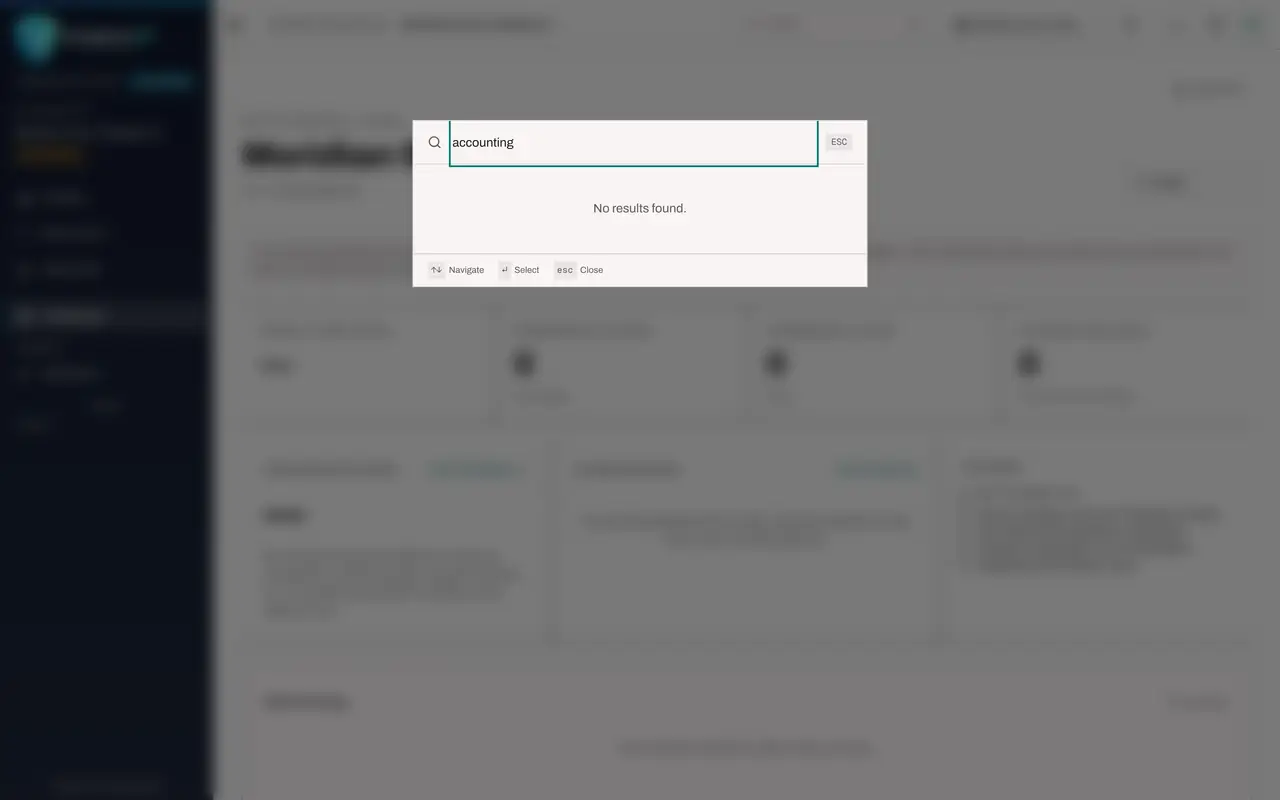
Select Search in the top bar and type accounting. Search only lists pages you are allowed to open, so it says No results found. Press the Escape key to close Search.
- Select Open search and commands
- Type Search and commands:
accounting
- 3
Open a link to Accounting
Suppose a colleague sends you a link to a page in Accounting. Opening it shows Module access required. The message names the right that is missing, accounting view on this entity, and tells you to ask an access administrator to grant you a role that includes it. Back to overview returns to your dashboard.
- 4
The same happens for Financial Reports
A link to Financial Reports gives the same kind of answer. Nothing in finance can be read or changed without a finance role, whichever way the page is reached.
How to check it worked
You can explain to a colleague why Accounting is missing from their menu and who can give them access.
Common mistakes
- Sharing your own sign-in so that a colleague can look something up. Ask an access administrator to grant them a role instead; every action is recorded against the person signed in.
- Assuming the page is broken. Module access required is the normal answer for someone whose role does not include that module.
Check your understanding
1. An employee opens a link to Accounting sent by a colleague. What appears?
- A.The chart of accounts, read only
- B.A page saying Module access required, naming the right that is missing
- C.A blank page
- D.The sign-in page
Show answer
Answer: B. A page saying Module access required, naming the right that is missing
The page names the missing right, accounting view, and tells the person to ask an access administrator for a role that includes it.
2. Who can give a colleague access to Accounting?
- A.Any accountant
- B.An access administrator
- C.The colleague themselves
- D.The auditor
Show answer
Answer: B. An access administrator
Roles are assigned by the people who administer access, in the Access section of the module or in the organisation's access settings.